
How to Set Up Your Flight Modem in Minutes
Category
- Blogs
Published on
July 22, 2026
How to Set Up Your Flight Modem in Minutes
Getting your Flight modem up and running is designed to be fast, simple, and stress-free. Whether you’re setting up for the first time or guiding a teammate through the process, this step-by-step walkthrough will have you connected in no time.
What’s in the Box?
When you open your Flight modem package, you’ll find everything you need to get started:
- Flight modem
- Ethernet cable(s)
- Antennas
Before you begin, take a moment to locate the QR code on your modem. It’ll be important for setup.
Step 1: Power Up Your Modem
Start by connecting your modem to a power source and your monitoring equipment.
Once plugged in, the modem will automatically power on and begin initializing with no manual startup required.
Step 2: Register Your Device
Using your smartphone:
- Scan the activation QR code included with your modem
- Follow the on-screen prompts to complete registration
This quick step links your modem to your account, ensuring everything works seamlessly from the start.
Step 3: Automatic Activation
After registration, your modem will:
- Automatically activate
- Begin transmitting data
You’ll see confirmation on your device once everything is connected and working properly.
Step 4: Verify Your Setup
For extra peace of mind, call the Customer Success team using the phone number printed on your modem.
They will:
- Confirm your setup is complete
- Answer any questions in real time
- Help troubleshoot if needed
Step 5: Connect to Your Controller
Use the included Ethernet cable to connect your modem to your controller. This step ensures that your equipment can start sending and receiving data immediately.
You’re Up and Running
That’s it. Your Flight modem is now fully operational, providing you with:
- Reliable connectivity
- Real-time visibility into your operations
You can monitor everything through your dashboard, where live data updates automatically.
Need Help?
With Flight, you’re never on your own. If you ever need support, our team is always ready to assist.
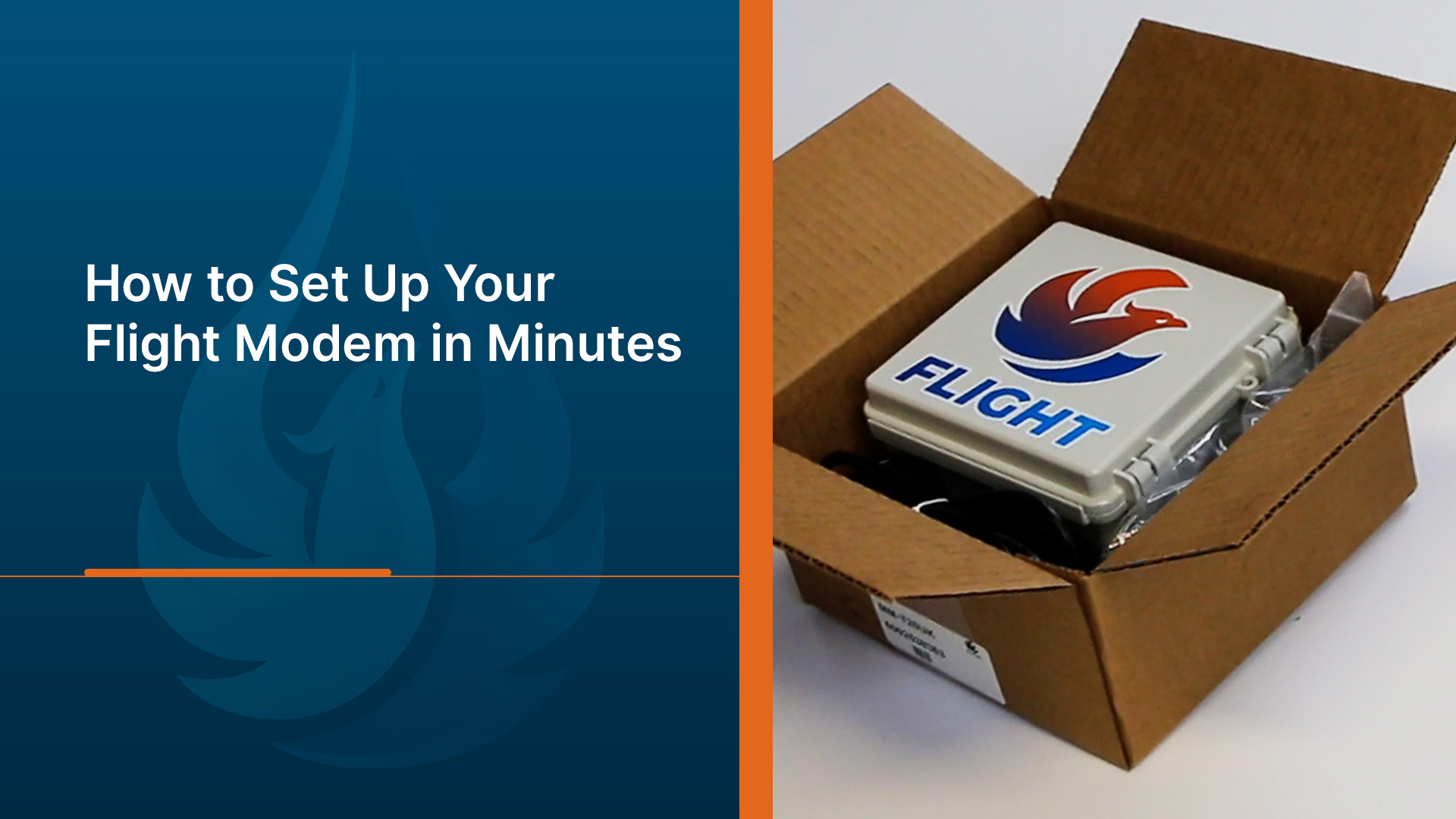
For a visual walkthrough of the entire setup process, check out the video below:
Contact Us
AquaPhoenix Scientific
860 Gitts Run Road Hanover, PA 17331
Local: 717-632-1291
Toll-Free: 866-632-1291
Share